
AI Product Quiz
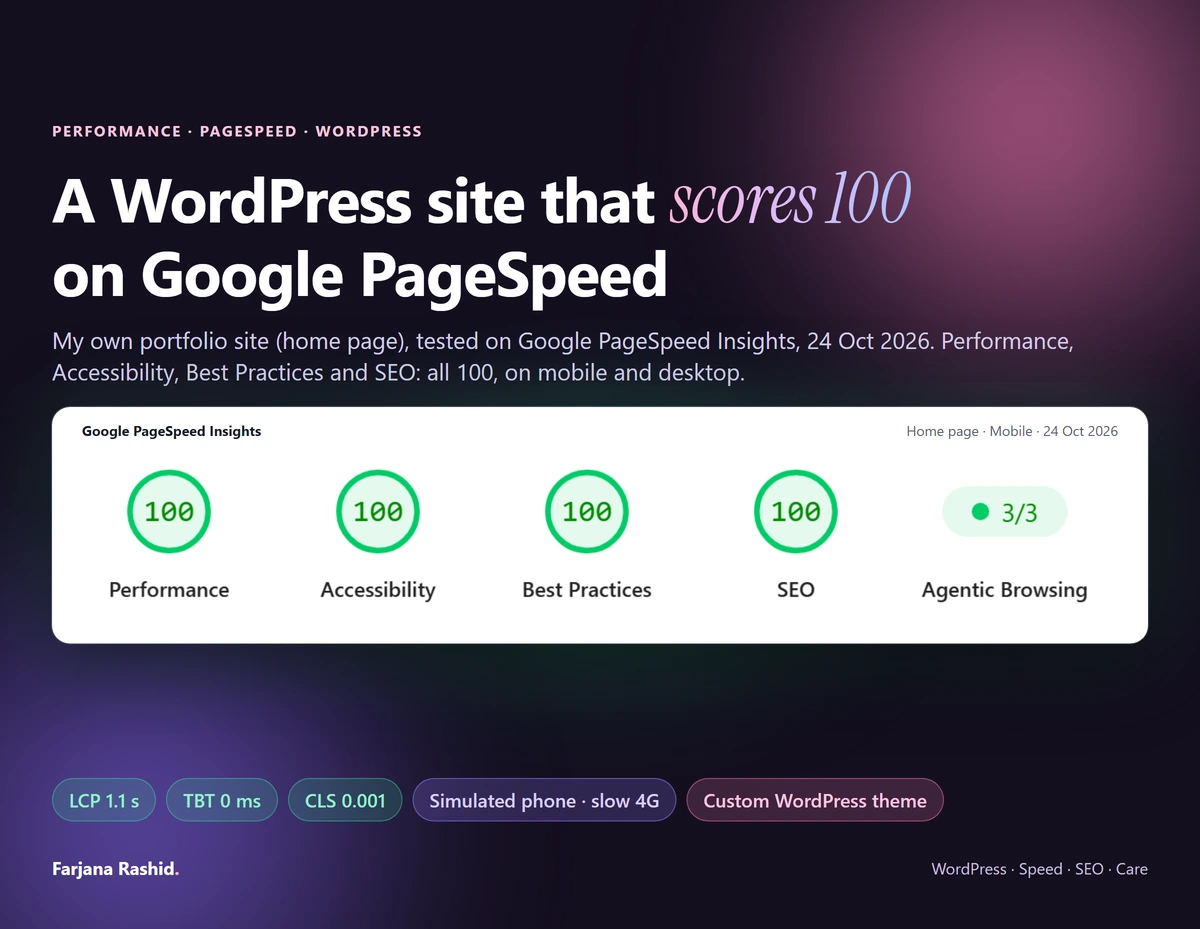
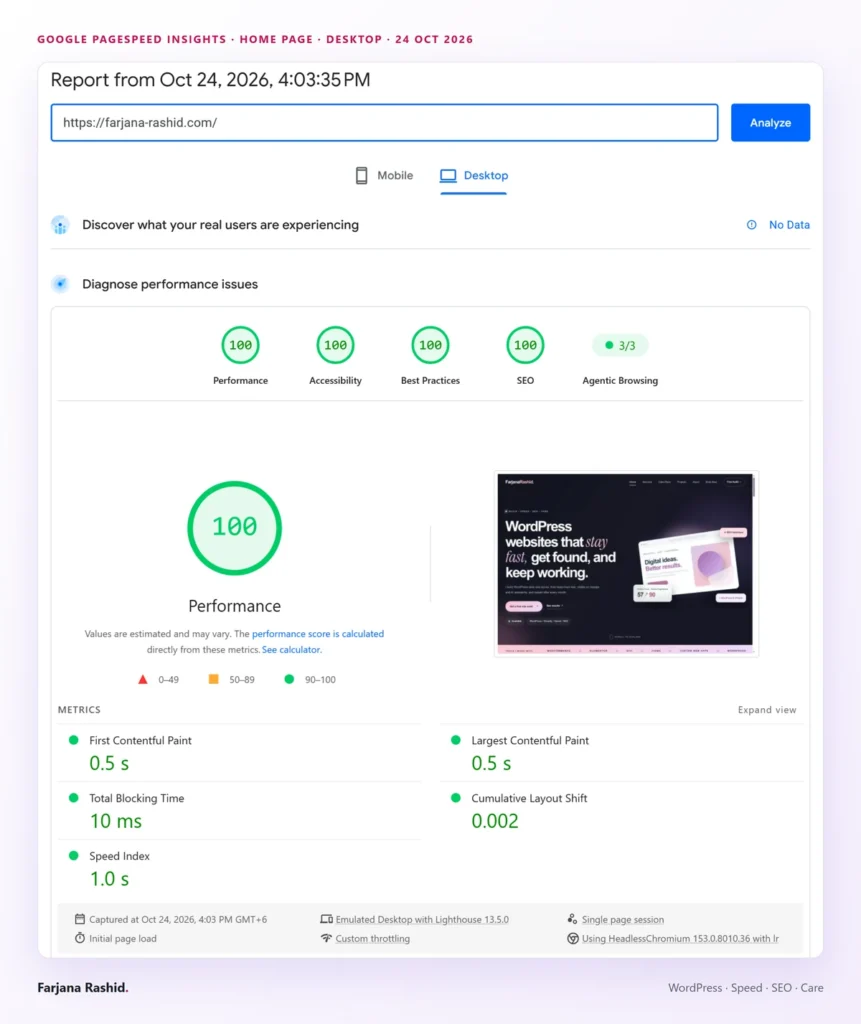
This is my own portfolio site, rebuilt as a custom WordPress theme and tuned until Google PageSpeed Insights showed 100 for Performance, Accessibility, Best Practices and SEO, on mobile and on desktop. It is the standard I tune client sites towards, and a record of how I got there.
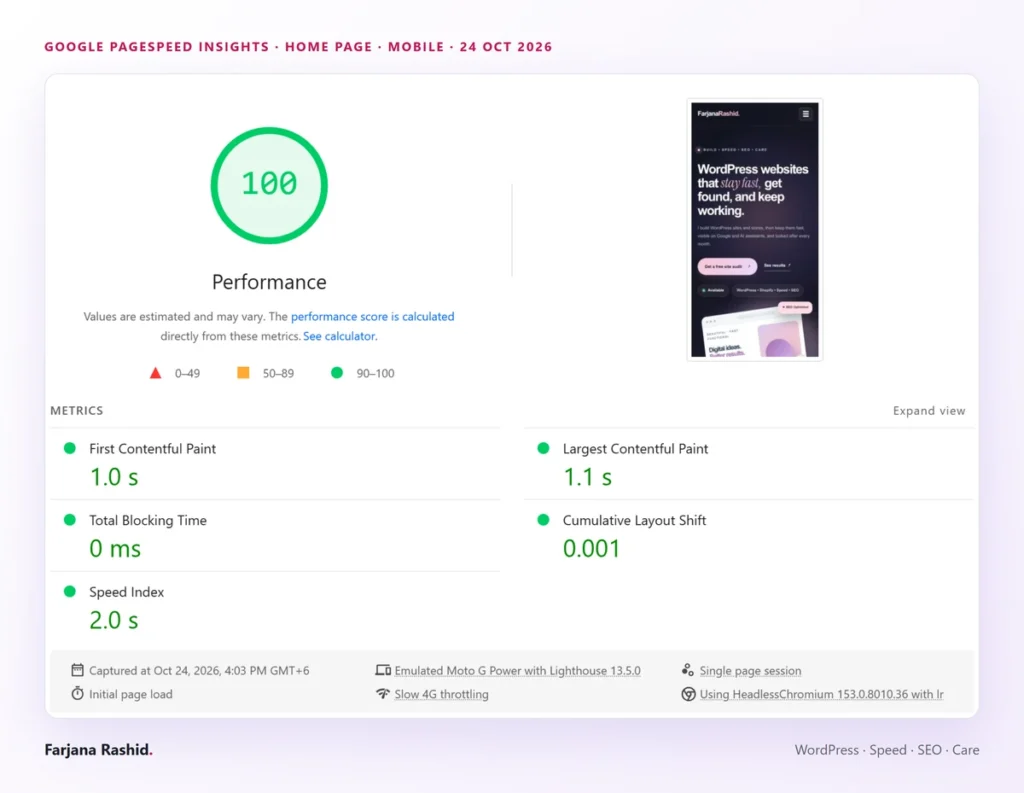
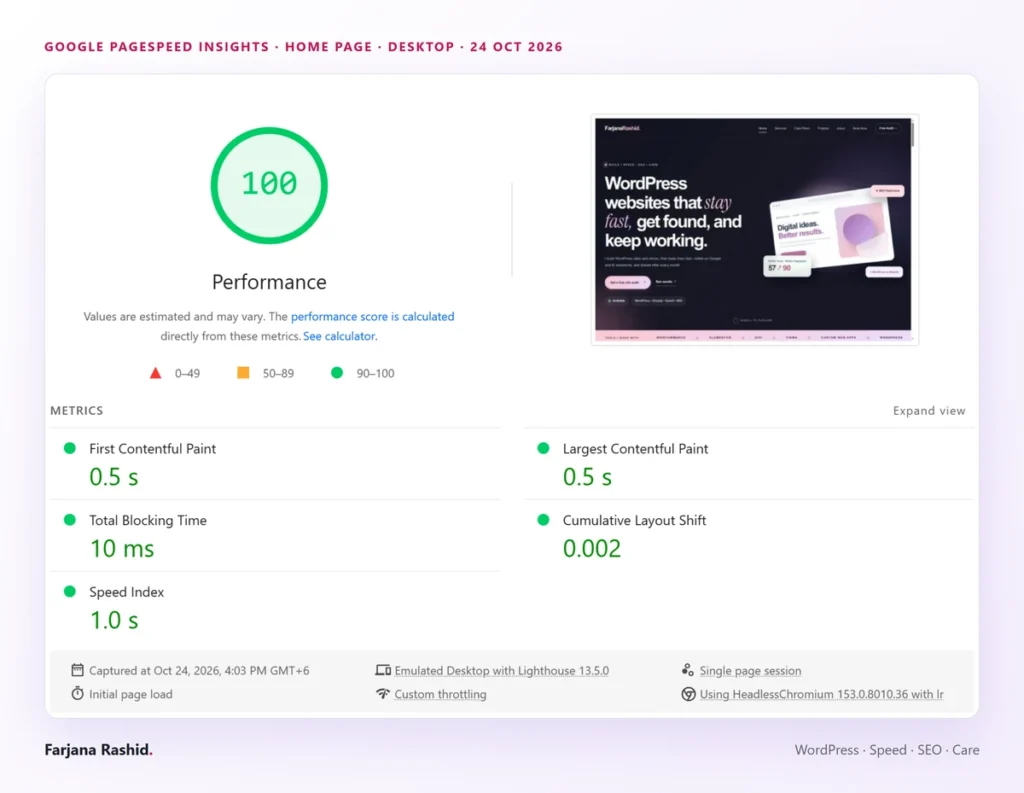
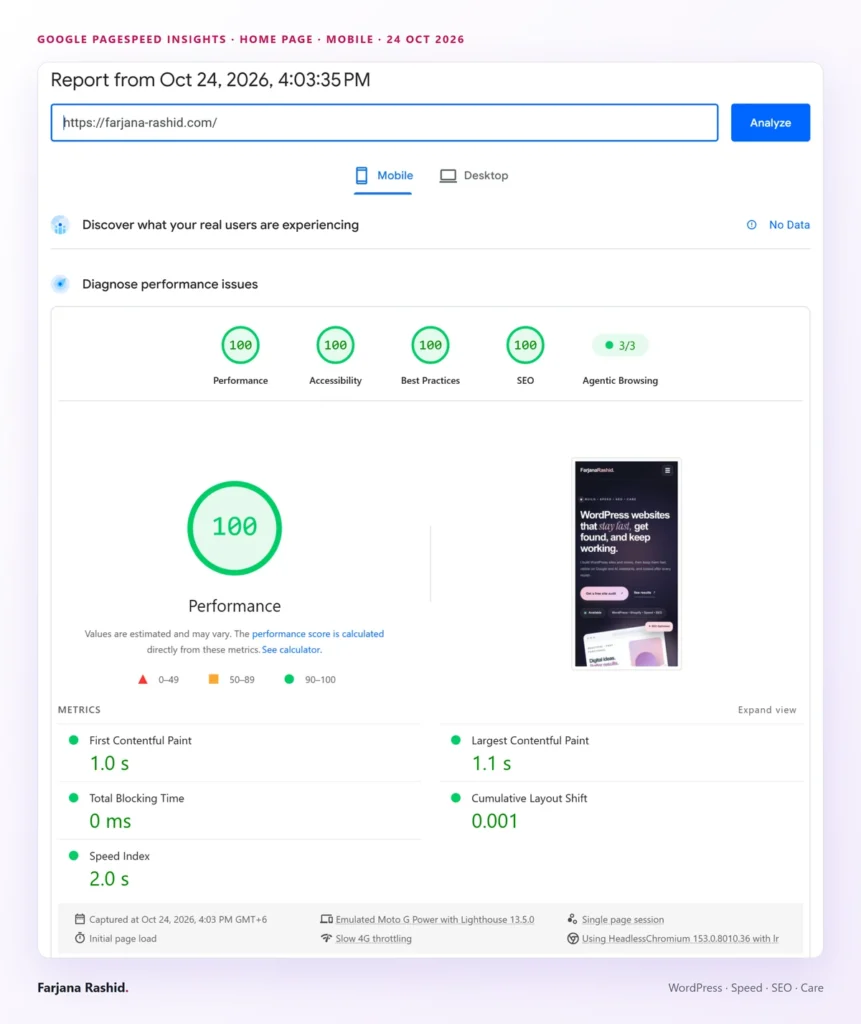
On 24 October 2026 the home page was tested on Google PageSpeed Insights, on mobile (a simulated phone on slow 4G) and on desktop.
What these numbers do not say: this is a lab test, and lab scores move by a point or two between runs (on the same code I saw 98 once and 100 on the other runs). Google’s real-user data for the site says “No Data” for now, because the site has not had enough visitors yet, so I do not claim more than the lab shows.
The same morning the mobile score of the home page was 89, and the Projects and About pages were at 88. To find out what was costing the points, I tested the main changes on copies of the page before keeping them on the live site.
Your site is not mine. A store with many plugins needs different fixes, and I never promise a score. The method is the same: measure, find what blocks the first paint, fix the biggest cost first, then measure again. A six-language tourism site I optimized went from 57 to 90 on mobile.


Send me the website, design or feature requirements.